1
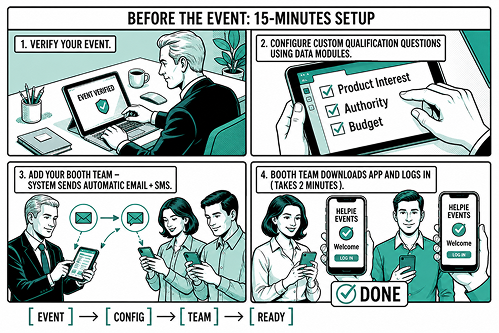
Before the event (15-Minutes setup)
Your admin configures the event in the Helpie Event console:
- Verify your event
- Configure custom qualification questions using Data Modules
- Add your booth team — system sends automatic email + SMS
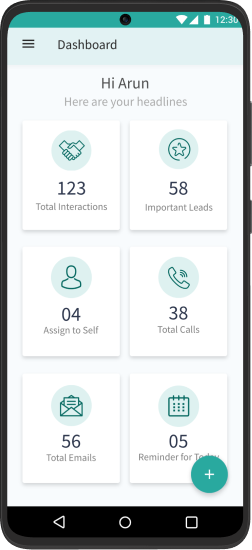
- Booth team downloads app and logs in (takes less than 2 minutes)
Done. Your team is ready to capture and qualify leads.
2
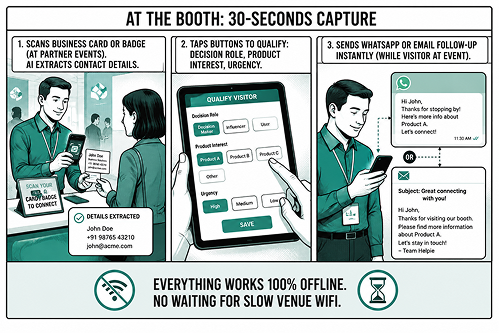
At the booth (30-seconds capture)
When a visitor stops by your booth, your team member:
- Scans business card or badge (at partner events). AI extracts contact details.
- Taps buttons to qualify: decision role, product interest, urgency
- Sends WhatsApp or email follow-up instantly (while visitor is at event)
Everything works 100% offline. No waiting for slow venue WiFi.
3
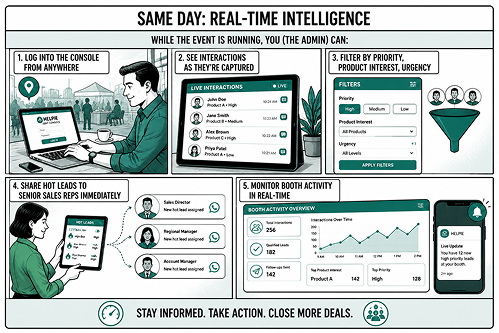
Same day (Real-time intelligence)
While the event is running, you (the admin) can:
- Log into the console from anywhere
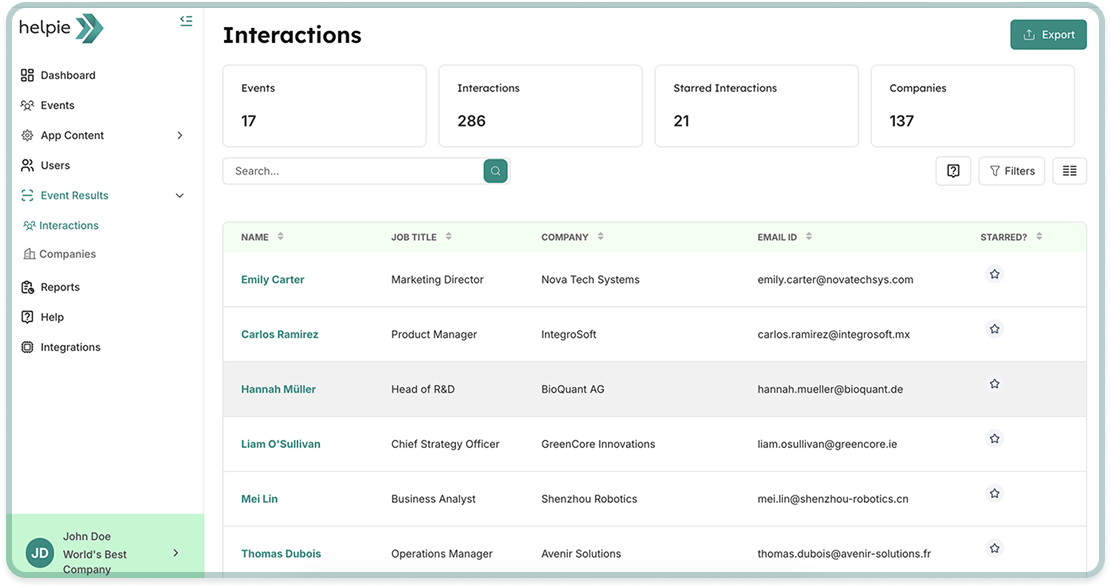
- See interactions as they're captured
- Filter by priority, product interest, urgency
- Share hot leads to senior sales reps immediately
- Monitor booth activity in real-time
4
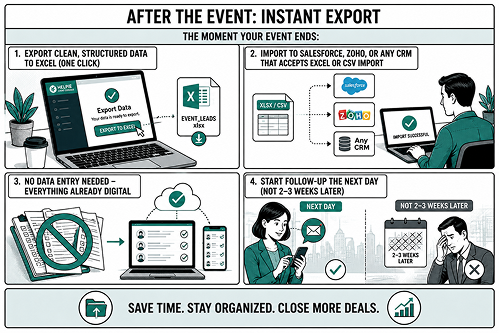
After the event (Instant export)
The moment your event ends:
- Export clean, structured data to Excel (one click)
- Import to Salesforce, Zoho, or any CRM that accepts Excel or CSV import
- No data entry needed — everything already digital
- Start follow-up the next day (not 2-3 weeks later)