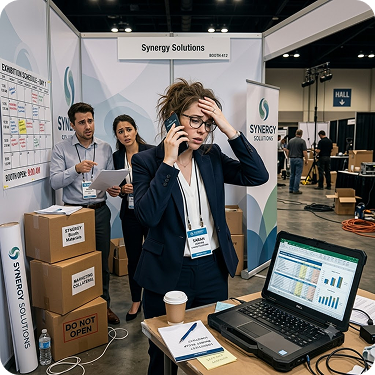
Ensure your booth team captures structured data and follow-ups start the same day
You invest significant budget in every exhibition. Your booth team should capture quality data – not scramble with paper forms. Get clean, CRM-ready leads before the event ends.
The Event Manager’s Challenge

The Event Manager's burden
You're responsible for your company's exhibition participation. You book the booth space, coordinate logistics, manage budgets, and ensure your team is prepared. You invest significant budget and organizational effort in each event - booth rental, travel, accommodation, promotional materials, your team's time.

Leadership demands results
Leadership expects results: qualified leads, not just foot traffic. They want to see pipeline generated from exhibitions, not just 'we had good conversations.'
Broken lead capture process
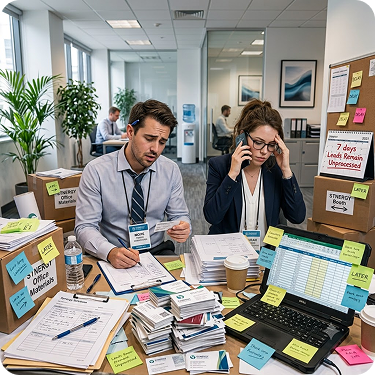
But you're working with tools designed for the 1990s: paper forms, business cards in a bowl, and Excel spreadsheets. Your booth team scribbles notes during conversations. Someone spends a week typing it all up after the event. By the time you have usable data, prospects have cooled off. You know there has to be a better way.
The current Problem
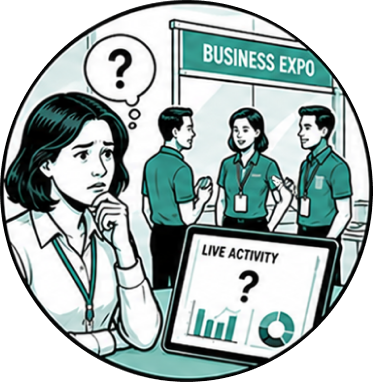
You can't monitor in real-time
During the event, you have no idea what’s happening at the booth. Is your team capturing quality interactions? Are they asking the right qualification questions? You won’t know until after the event ends, when it’s too late to course-correct.
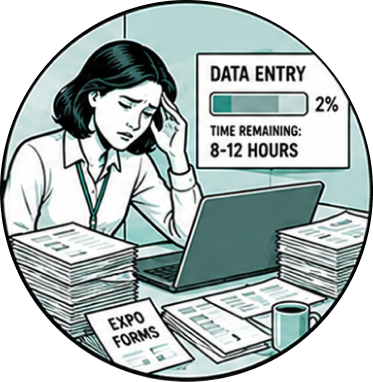
Data entry creates a 1-2 week delay
Someone on your team spends 8-12 hours typing handwritten forms into Excel. Illegible handwriting requires guesswork. Missing fields remain blank. By the time data is usable, 1-2 weeks have passed.
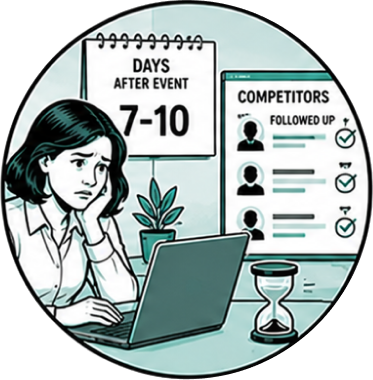
Follow-up happens too late
Your first follow-up emails go out 5-10 days post-event – after the data is typed, cleaned, and imported into your CRM. Competitors who followed up faster have already made contact. Urgency has faded.
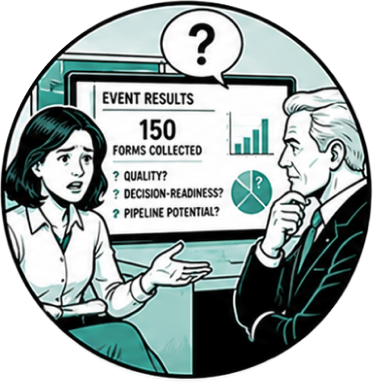
You can't prove ROI to leadership
When leadership asks ‘what did we get from that exhibition?’ the answer is ‘we collected 150 forms’ – which says nothing about quality, decision-readiness, or pipeline potential. You can’t compare events against each other. You can’t justify the spend with evidence.
What changes with Helpie Event
Real-time monitoring from anywhere
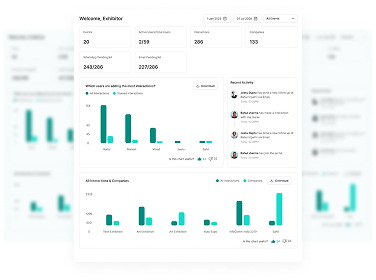
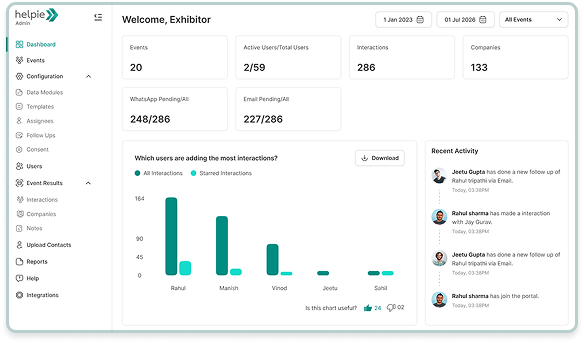
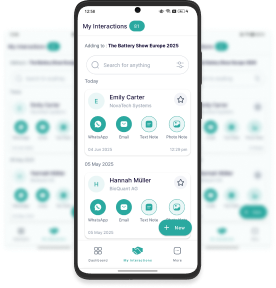
Log into the Helpie Event management console from your office, your hotel, or even from the exhibition venue. See interactions as they’re captured: who your team met, which companies are visiting, which products are generating interest, which visitors are qualified decision-makers.
You can filter by priority, see hot leads as they come in, and assign them to senior sales reps immediately – while the event is still running.
Instant data availability
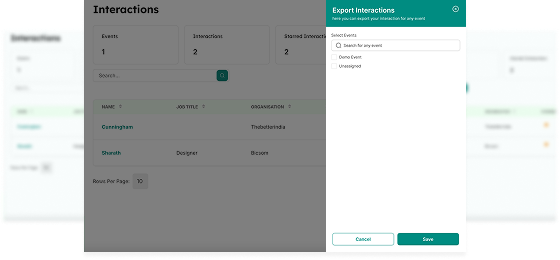
The moment your event ends (or even anytime during it), you can export clean, structured data to Excel. No waiting for data entry. No deciphering handwriting. No missing fields. Every interaction record includes: who your team met (full contact details), what they learned (qualification answers, seniority, decision timeline), what was discussed (product interests, concerns, questions), and what happens next (follow-up assignment, priority level, timeline).
15-minute setup for each event
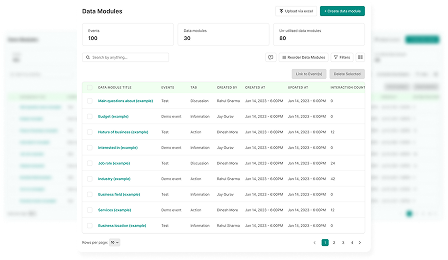
Your admin configures the event in the console. Set up custom qualification questions using data modules. Invite your booth team by simply adding them – the system automatically sends email and SMS invitations. They download the app on their personal phones and log in. Done. Total setup time: 15 minutes for you, 2 minutes per booth team member.
Same-day follow-up capability
Your booth team sends personalized WhatsApp or email messages from the booth – while the prospect is still at the event. First touchpoint happens in minutes, not days. That’s when conversion rates are highest.
Your team will actually use it
Will my booth staff actually use it?
If your team can use WhatsApp, they can use Helpie Event. The interface is designed for booth environments – no forms to fill out, just tapping buttons. Your team taps buttons to record qualification data: decision role, product interest, urgency – whatever works for you. Most booth teams capture interactions within 5 minutes of opening the app for the first time.
What if something breaks during the event?
If a phone dies, the data already synced is safe and available on the console. The user can log in from another device and continue as usual. Or charge the device for a while and carry on.
Will the app work since there is poor internet connectivity at the booth?
Helpie Event works 100% offline. The business card scanner uses on-device AI – no internet required. Everything stores locally and syncs automatically when connection becomes available. Your team never waits for venue WiFi. Exhibition halls with spotty internet are exactly why we built offline-first.
How much space is required in the device to use the app offline?
The Helpie Event app requires minimal storage – less than 50MB for the app itself, plus minimal space for locally cached interaction data. A typical 3-day exhibition with 100 interactions requires less than 10MB of device storage. Any smartphone from the last 5 years has more than enough space.
How much data will I be able to capture offline?
There’s no practical limit. We’ve had customers capture 500+ interactions on a single device during a 3-day event, all while completely offline. The app stores everything locally and syncs when internet becomes available.
What happens to our data after the event?
You own your data. Export to Excel anytime during your post-event access period (3days for Essential plan, 7 days for Pro plan). After that, data goes to our standby servers and remains available to you if needed in future. Want it deleted? Sure. Just drop us a line.
Event managers like you
Companies like Thermax, Volvo, and Bosch use Helpie Event at 5-10+ exhibitions per year. Marketing managers report 80% faster post-event turnaround and 60% more interactions captured.